Odoo TikTok Shop Connector: Sync & Sell Effortlessly
Why Odoo Tiktok Shop Connector?
The Tiktok Shop Connector for Odoo automates order management, real-time inventory sync, and product updates, reducing manual work and ensuring seamless operations. It helps prevent overselling, keeps stock levels accurate, and syncs order statuses effortlessly. By integrating with Odoo, businesses can leverage Tiktok’s viral e-commerce power, streamline fulfillment, and boost sales while managing everything from a single platform.
Overview
The Odoo TikTok Shop Connector allows businesses to effortlessly integrate Odoo with TikTok Shop, automating product, inventory, category, shop detail, shipping, order, and refund synchronization. With real-time updates, it reduces manual effort, prevents stock discrepancies, and streamlines order processing, enabling efficient e-commerce management.
Key features include automatic product sync, order import/export, inventory management, refund handling, category mapping, real-time notifications, and detailed logs for troubleshooting and performance monitoring.
Benefits include centralized operations, accurate stock control, faster order processing, and improved sales through TikTok’s marketplace. Easy setup ensures smooth data flow and scalable performance for businesses of all sizes.
SEO Keywords: Odoo TikTok Shop Connector, TikTok Shop Integration for Odoo, Real-Time Odoo TikTok Sync, Automate Odoo TikTok Data, TikTok Shop Order Sync, Odoo TikTok Shop Integration Solutions.
Hot Features
◆ Product & Inventory Synchronization.
◆ Easy-to-Configure Settings.
◆ Real-Time Inventory Sync.
◆ Automated Order Processing.
◆ Product Image Synchronization.
◆ Multi-Shop Management.
◆ Customizable Order Status Mapping.
◆ Automated Logging.
◆ Seamless Communication.
◆ Error Tracking.
◆ Real-time Webhooks Notification.
◆ Fallback Warehouse Configuration.
◆ Real-time Notifications.
◆ Scheduled Data Synchronization.
◆ Improved Efficiency.
Features
◆ Effortless Data Transfer.
◆ Auto-fetch Shipping Data.
◆ Customer Notifications.
◆ Category Mapping.
◆ Custom Order Prefixes.
◆ Auto-fetch Logistics Data.
◆ Stock Export Configuration.
◆ Continuous Synchronization.
◆ Auto Workflow Configuration.
◆ Real-Time Response Capture.
◆ Troubleshooting.
◆ User-Friendly Setup.
◆ Bulk Order Import.
◆ Returns Handling.
◆ Multi-Shop Support.
◆ User-Friendly Configuration.
◆ Detailed Logging System.
◆ Automated Product Updates.
◆ Refund Handling.
◆ Bulk Product Export.
◆ Bulk Product Import.
◆ Import Warehouse details.
◆ Import Shop details.
◆ Import Orders details.
◆ Automatic Contact Creation.
Work Flow
◆ Navigate to Settings >> Tiktok Shop.
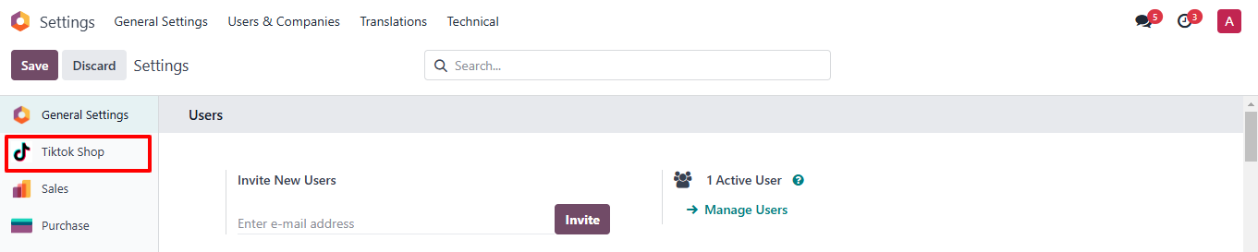
◆ Select The Tiktok Shop Configuration From Here.
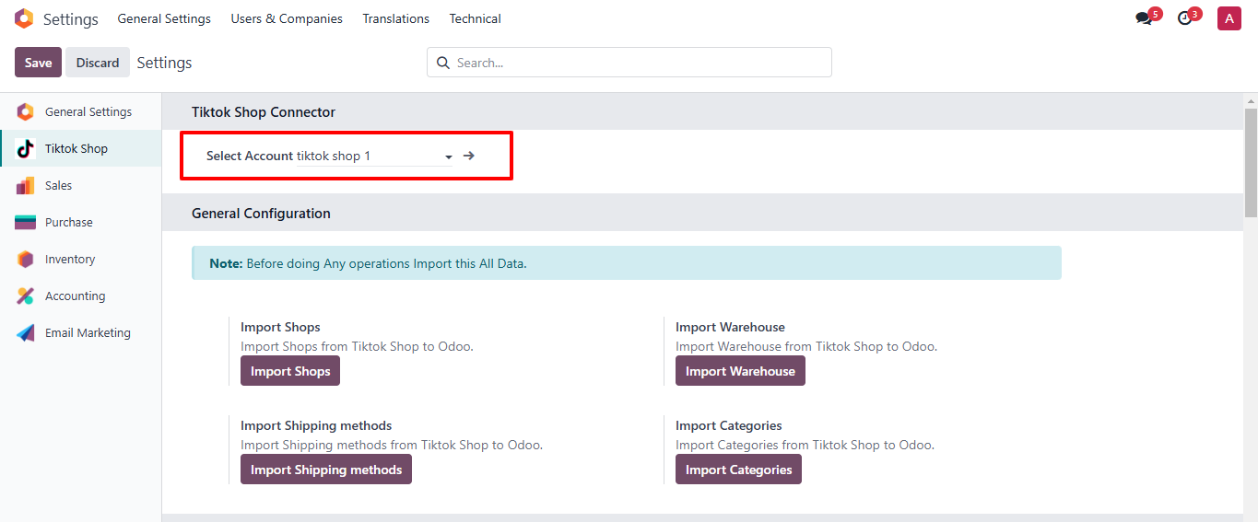
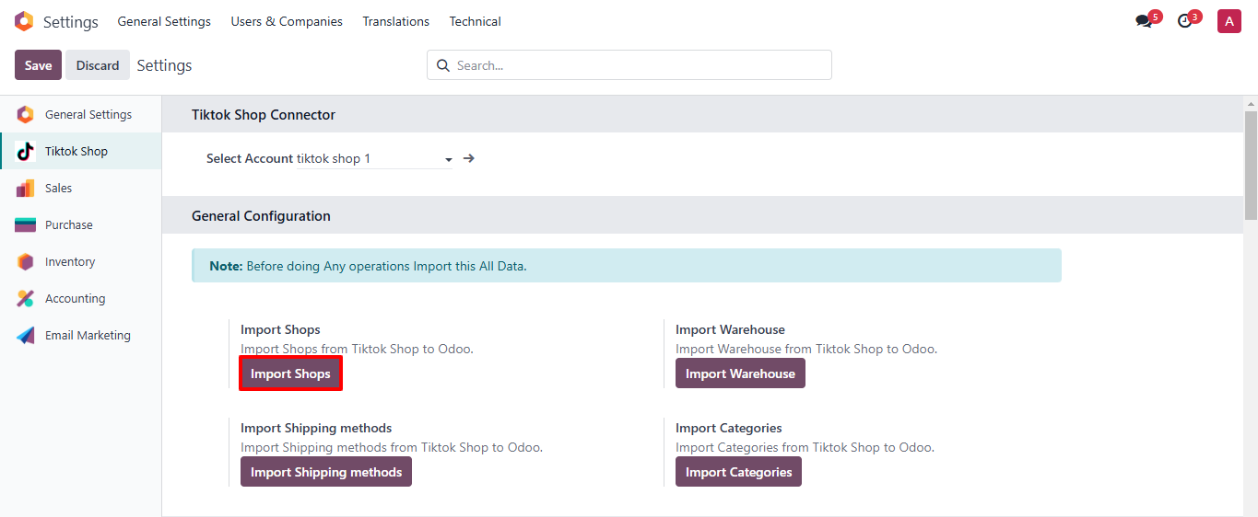
◆ Click on button Import Shops To fetch Shops From Tiktok Shop
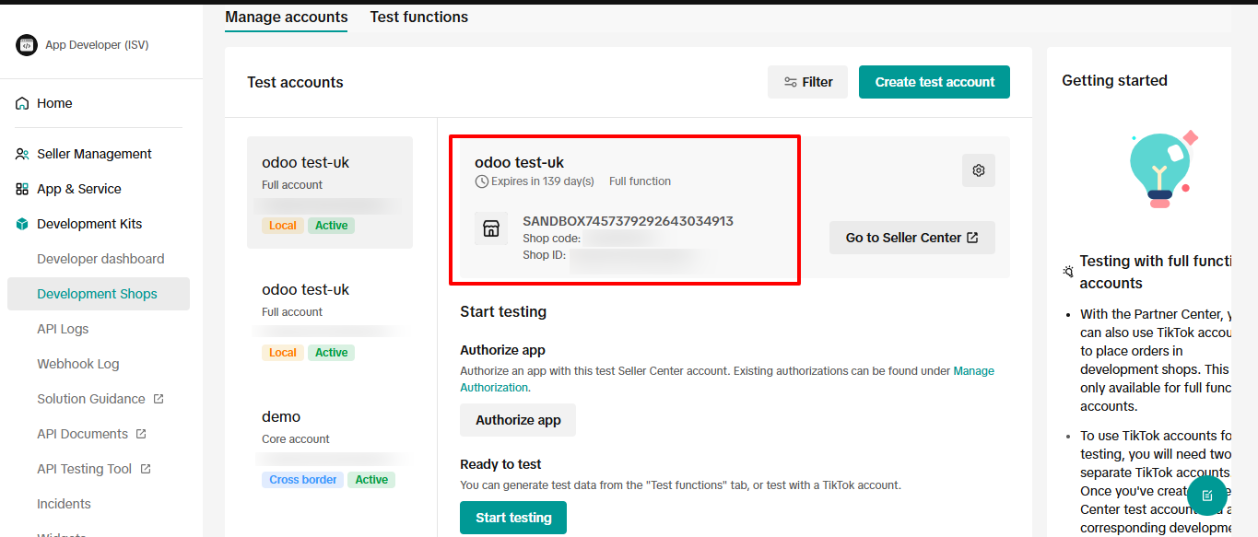
◆ The Active Shop in Tiktok Shop.
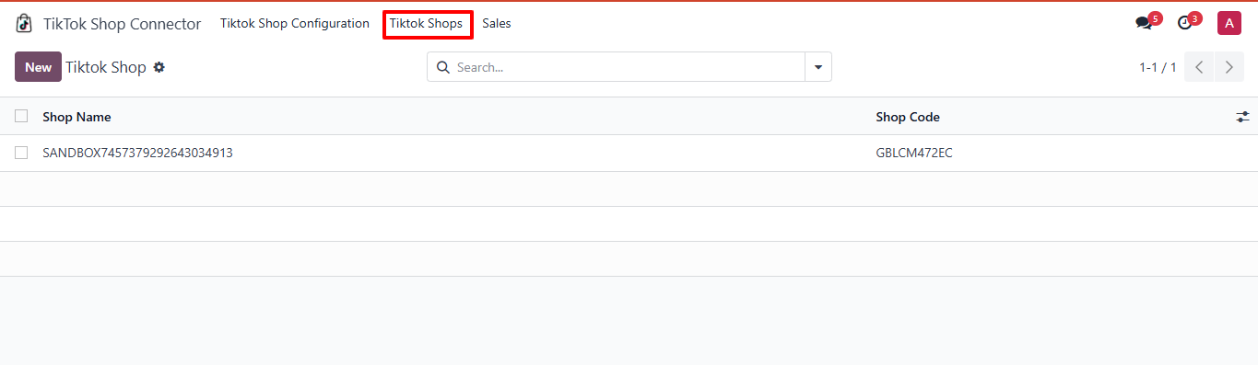
◆ Navigate to Tiktok Shop Connector>>Tiktok Shop>> Here you can find imported Shops.
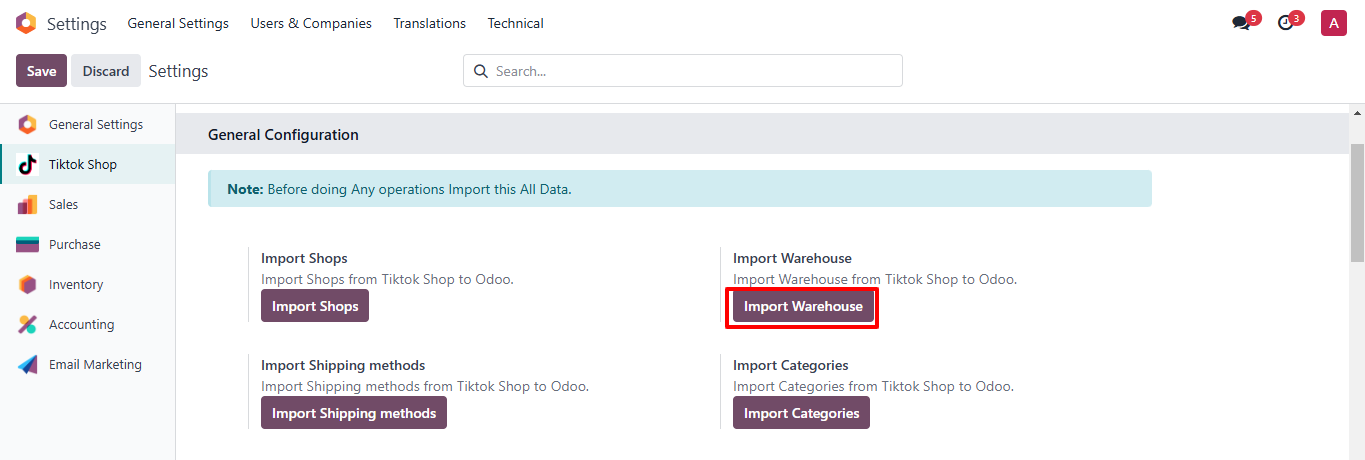
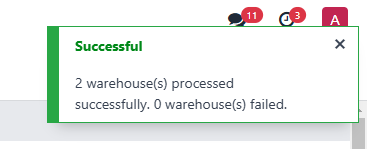
◆ Click on button Import Warehouse To fetch Warehouses From Tiktok Shop.
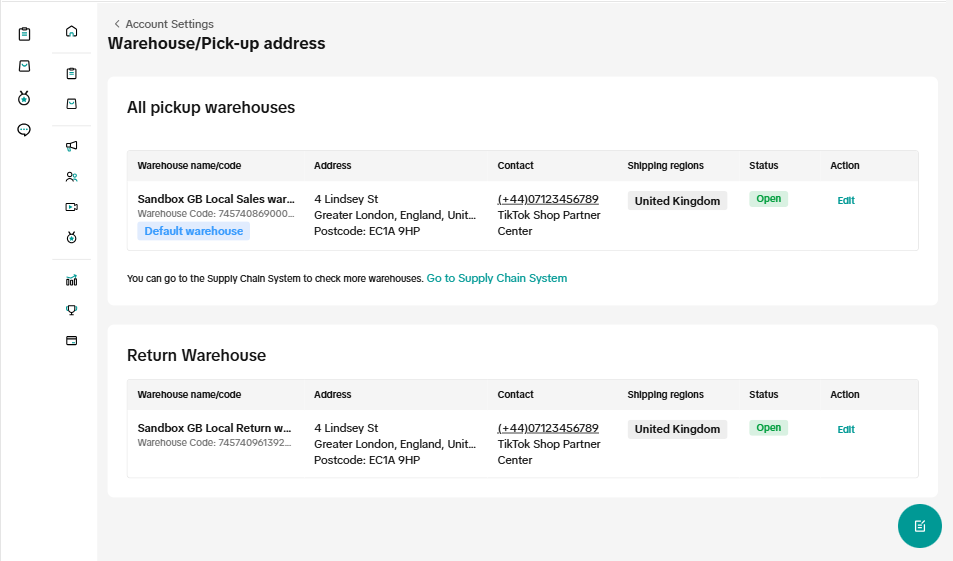
◆ The Active Warehouses in Tiktok Shop.
-
◆ Navigate to Inventory>>Configuration>> Warehouses >> Here you can find imported Warehouses.

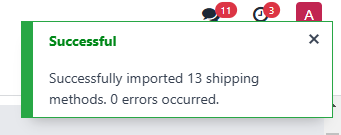
◆ Click on button Import Shipping methods To fetch Shipping methods From Tiktok Shop.

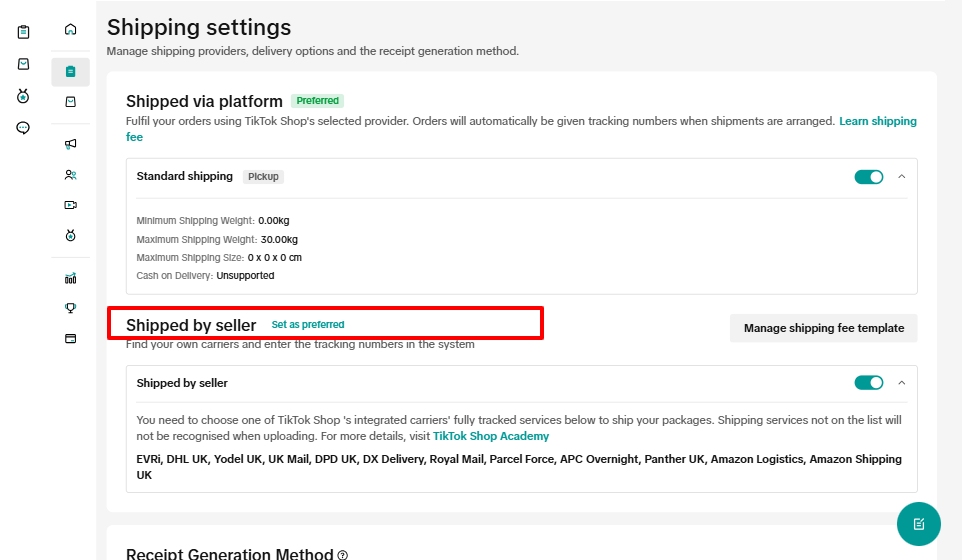
◆ Shipping Methods in Tiktok Shop.
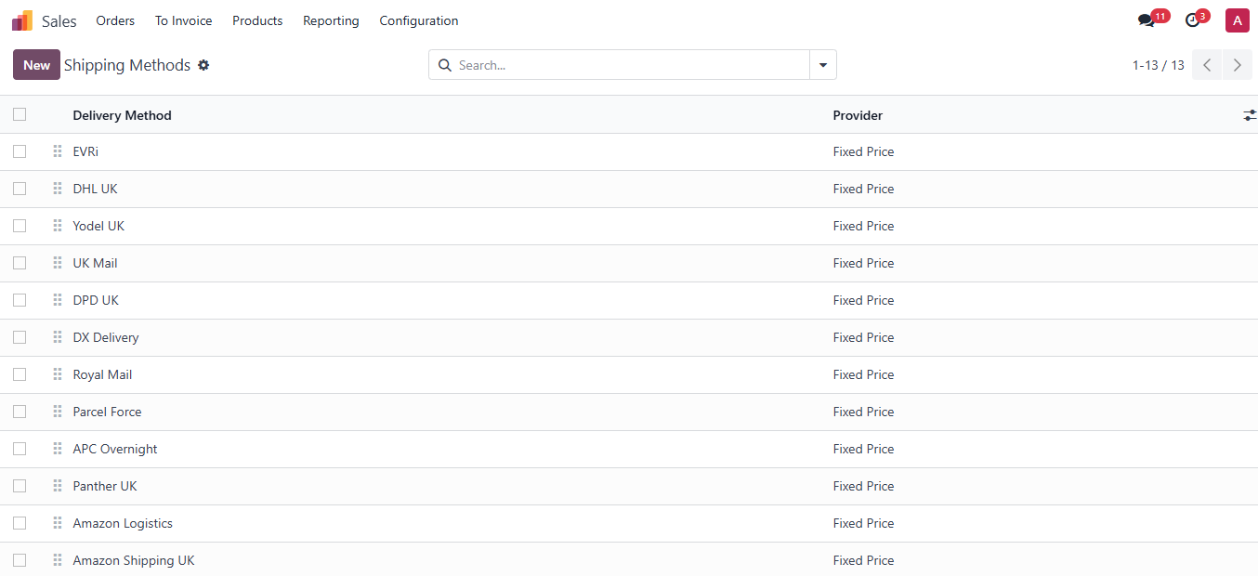
◆ Navigate to Sales>>Configuration>> Shipping Methods >> Here you can find imported Shipping Methods.
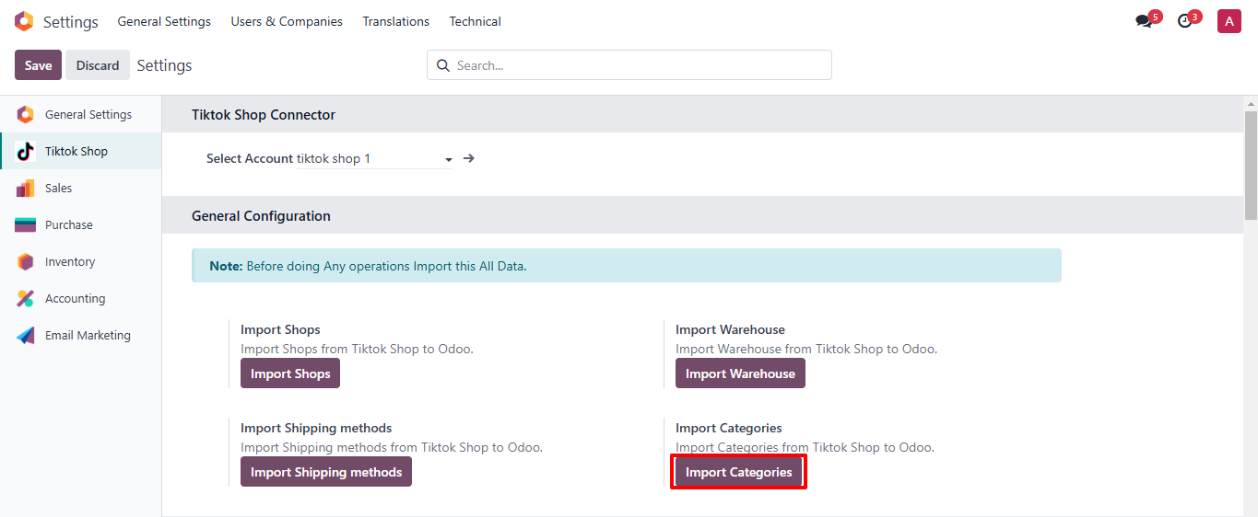
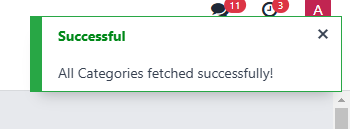
◆ Click on button Import Categories To fetch Categories From TikTok Shop.
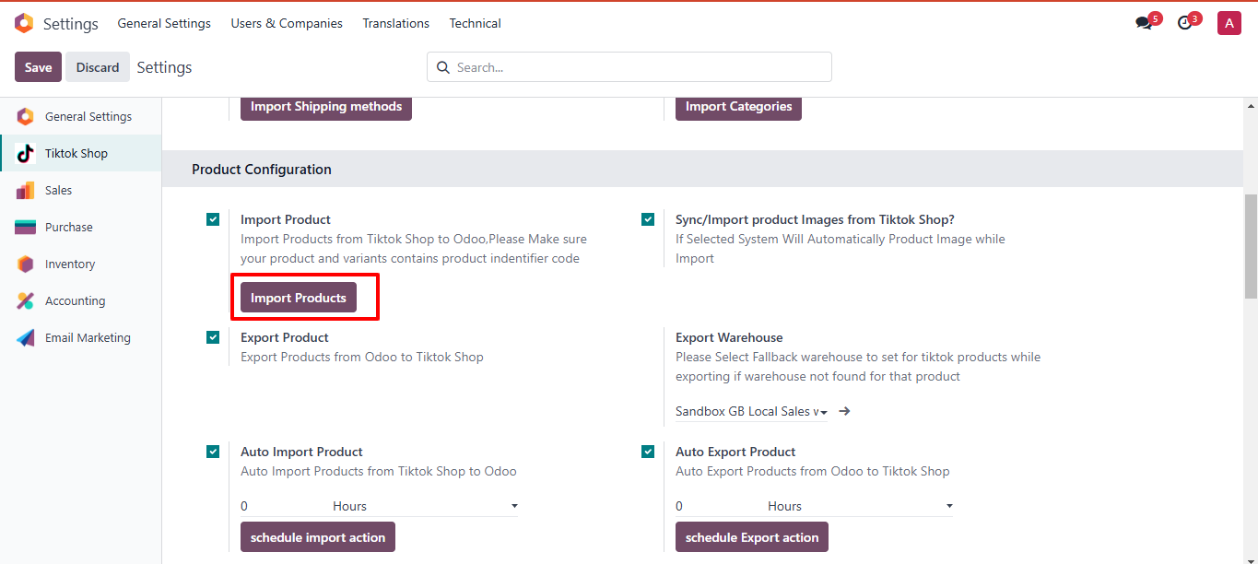
◆ Navigate to Product Configuration.
◆ Click on button Import Products To fetch Products From Tiktok Shop
◆ If you want to Auto Import Product Images then Select CheckBox Sync/Import product Images from Tiktok Shop
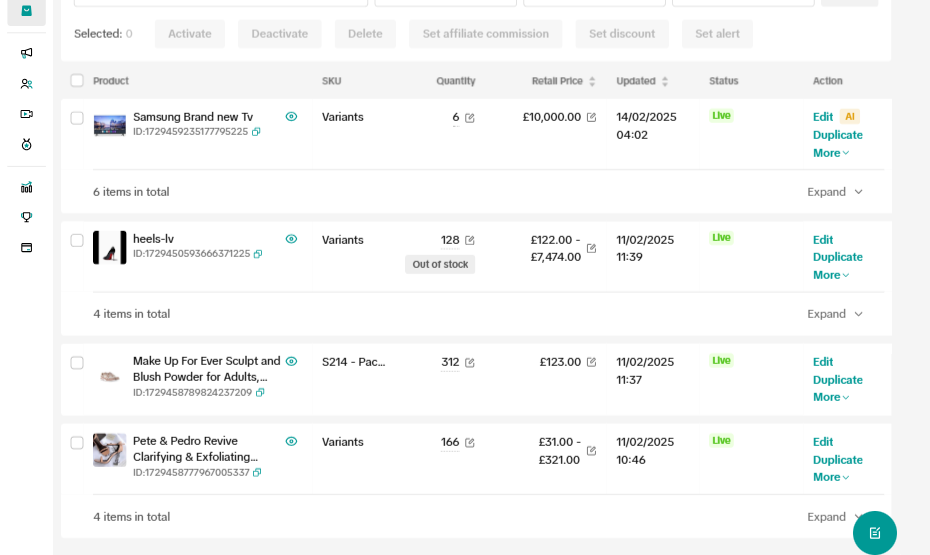
◆ The TikTok Shop Products.
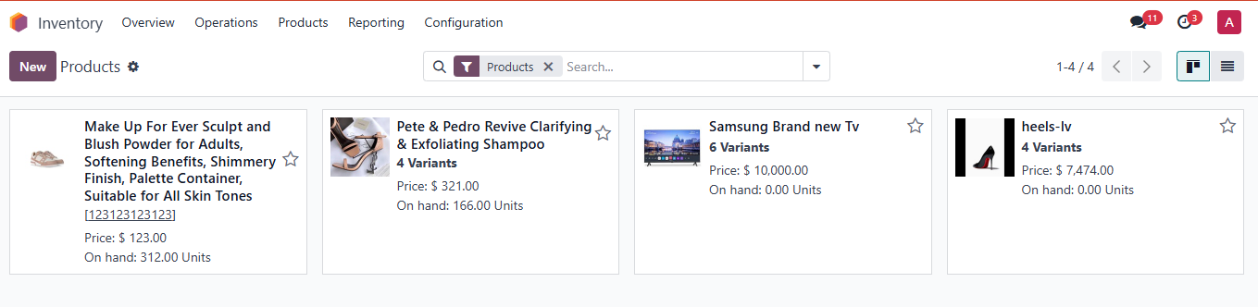
◆ Navigate to Inventory>> Products>> Here you can find imported Products.
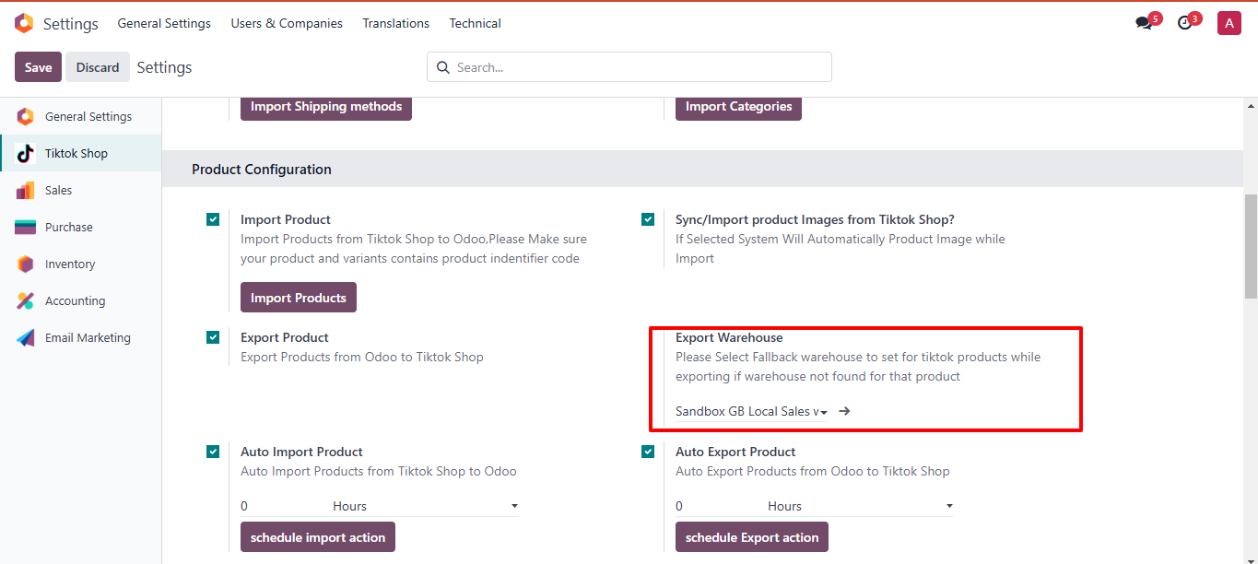
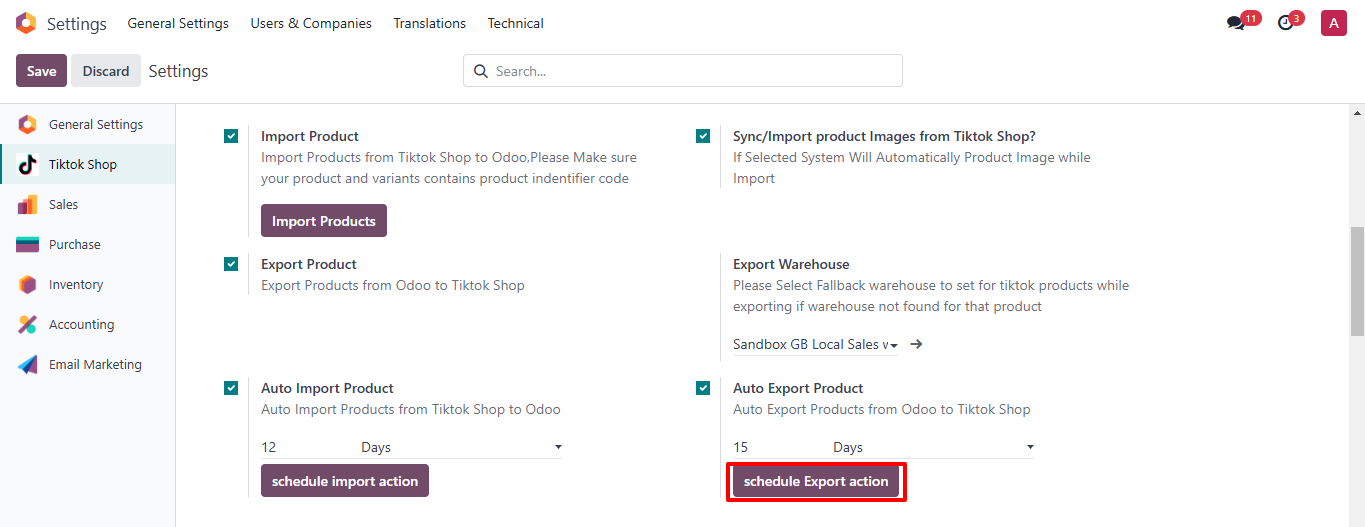
◆ Navigate to Export Warehouse>> Here you can configure Fallback Warehouse for products which are not associated with Tiktok Shop warehouses.
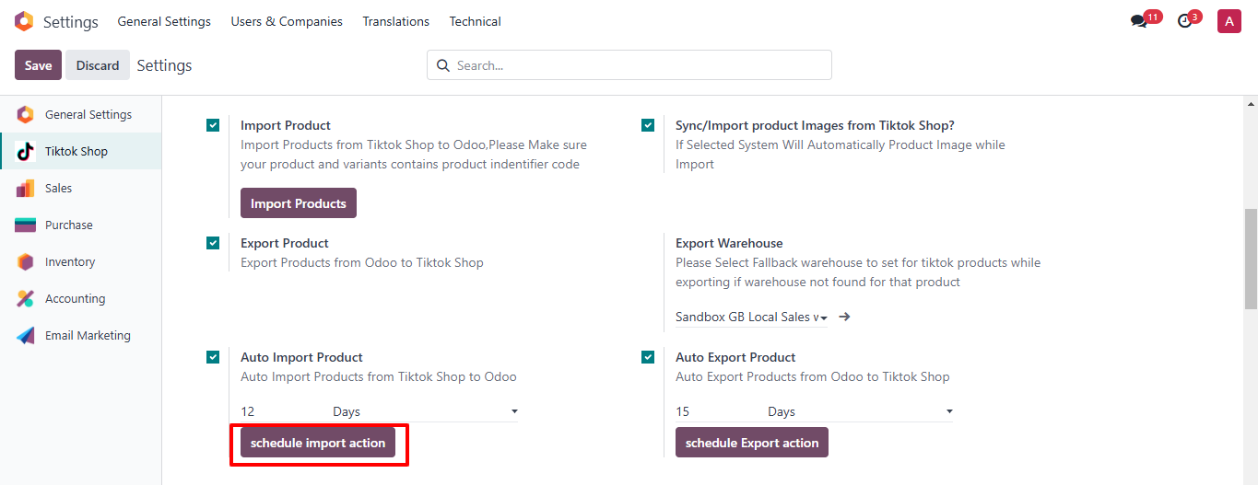
◆ To Automate Import and Export Product Details.
◆ Click on button Schedule Import Action To Create Scheduled Action to Auto Fetch Products.
◆ Click on button Schedule Export Action To Create Scheduled Action to Auto Export Products.
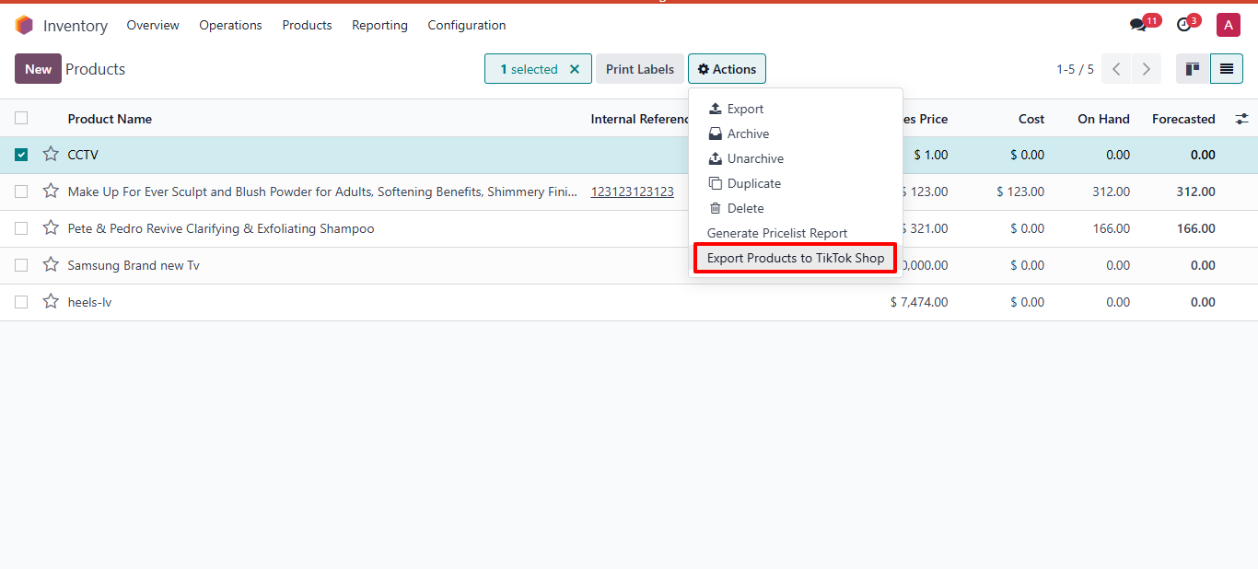
◆ Navigate to Inventory>>Products>>Actions.
◆ Select All the Products that u want to Export to Tiktok Shop
◆ Click on Export Products to TikTok Shop
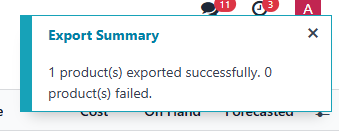
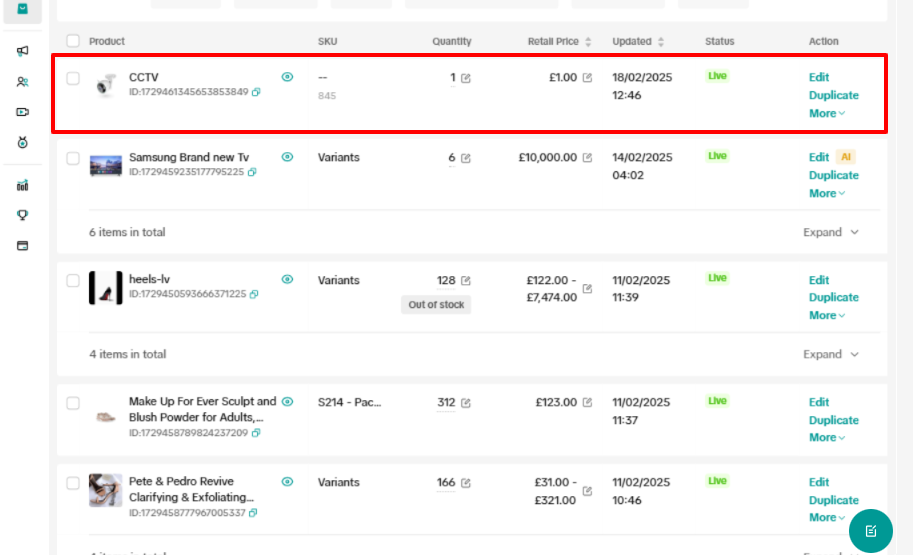
◆ Exported Product in TikTok Shop
◆ Navigate to settings>>Order Configuration.
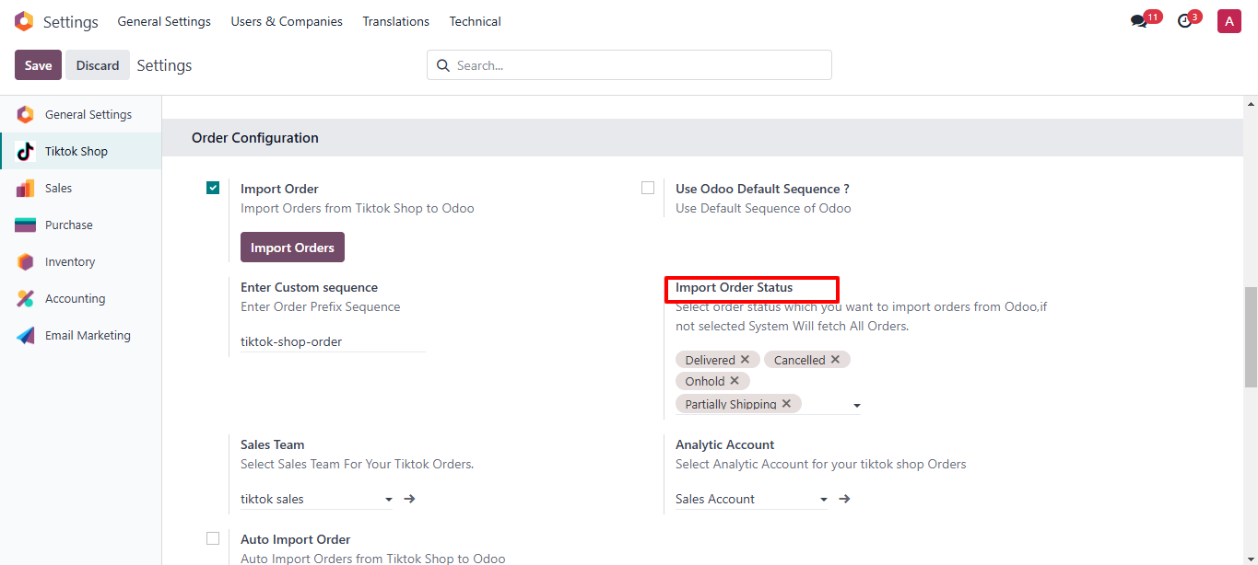
◆ Here You can select Status of Orders that you want to export
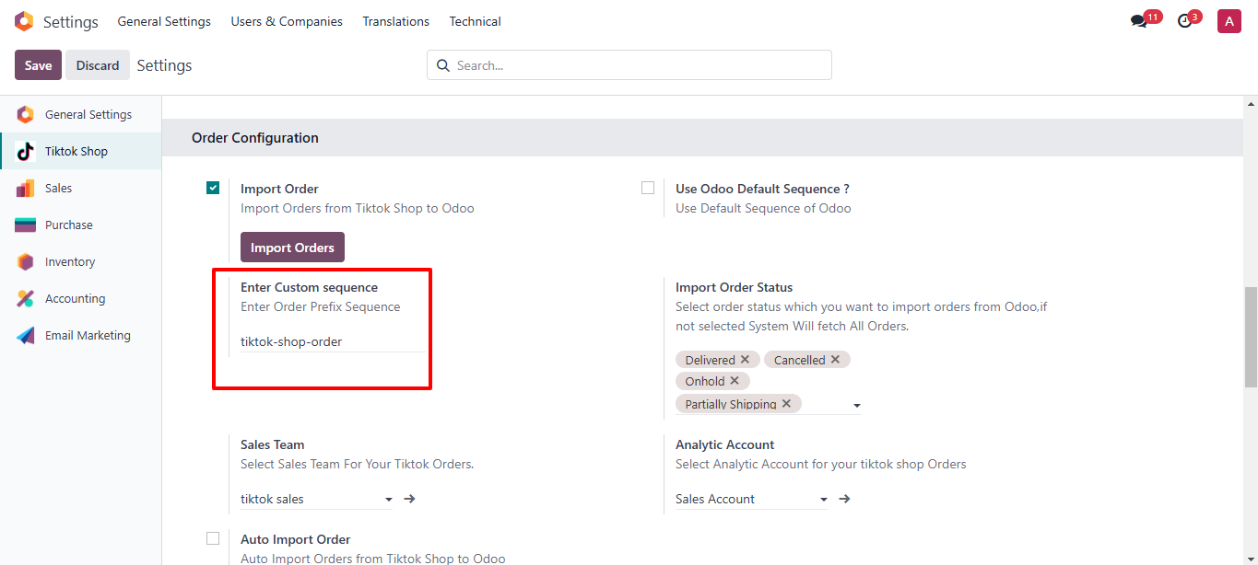
◆ Here you Can Enter custom Prefix for your Tiktok shop Orders.
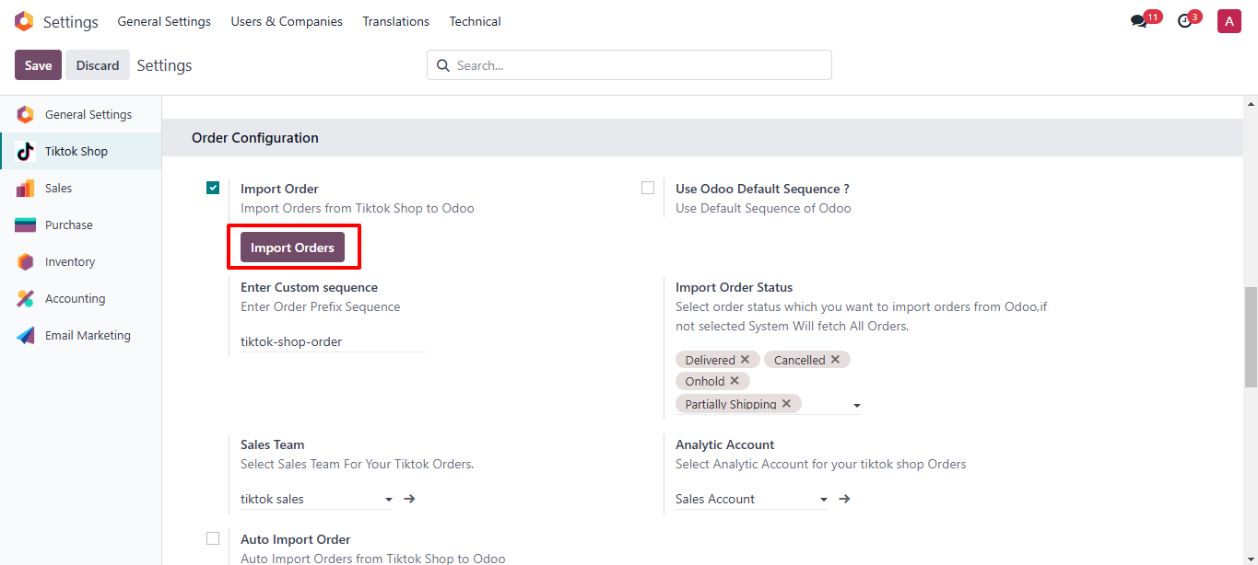
◆ Click on Button Import Orders to fetch orders from Tiktok shop.
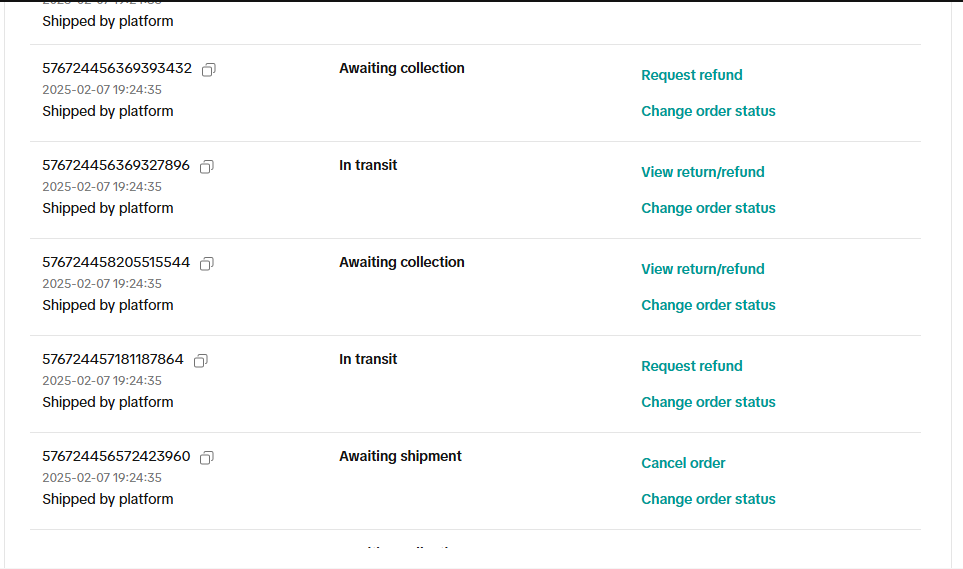
◆ Orders In TikTok Shop.
◆ Navigate to Sales>>Orders>>Here You can find Imported Orders.
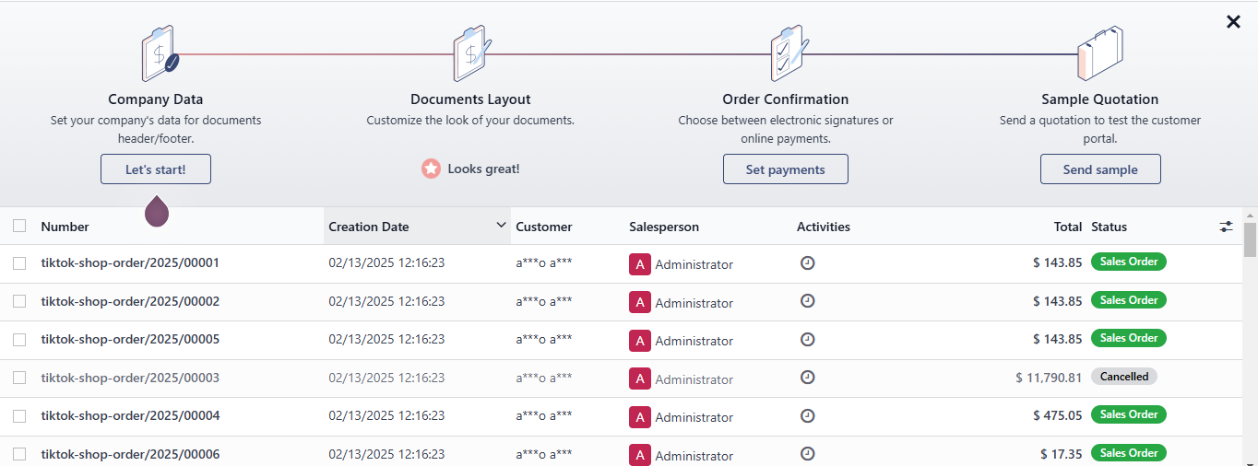
◆ To Automate Import Order Details.
◆ Click on button Schedule Import Action To Create Scheduled Action to Auto Fetch Orders.
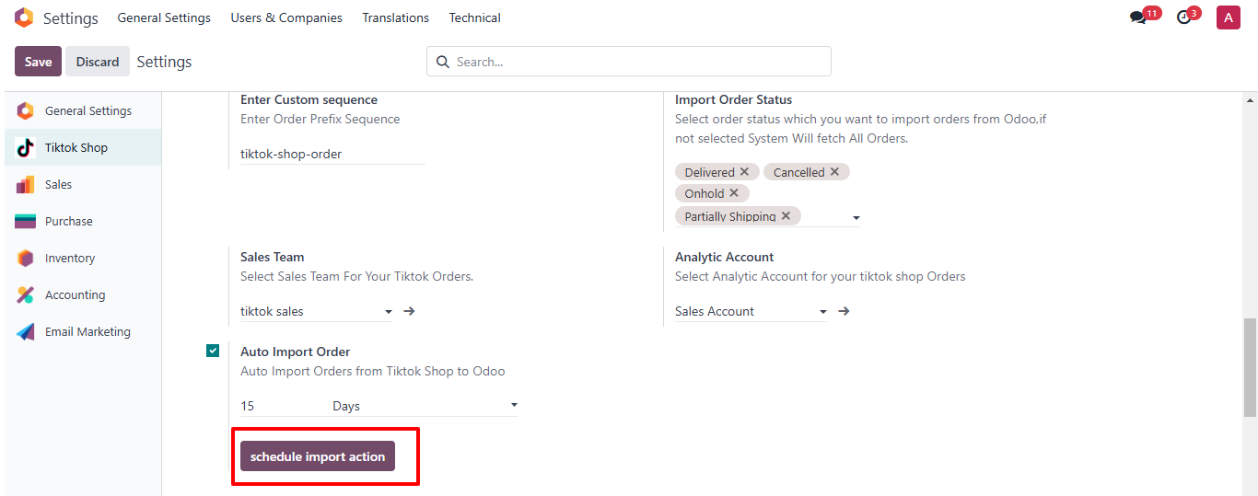
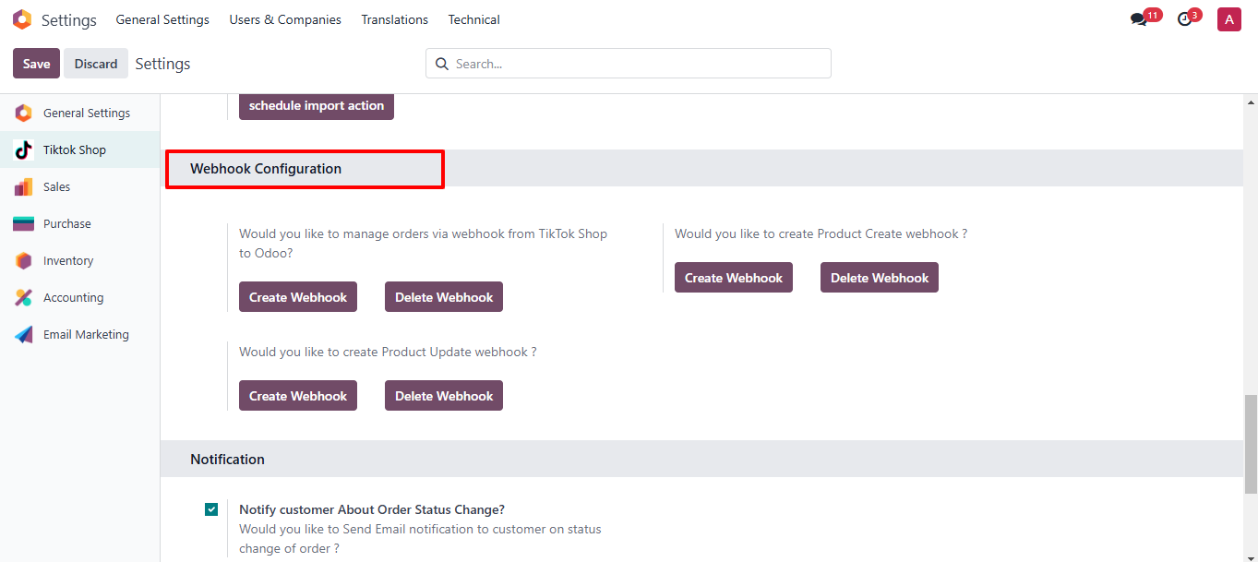
◆ Navigate to Webhook Configuration.
◆ Here You can create or delete Webhooks for Orders and Products.
◆ You'll receive real-time updates for order or product changes, and Odoo will automatically reflect those changes.

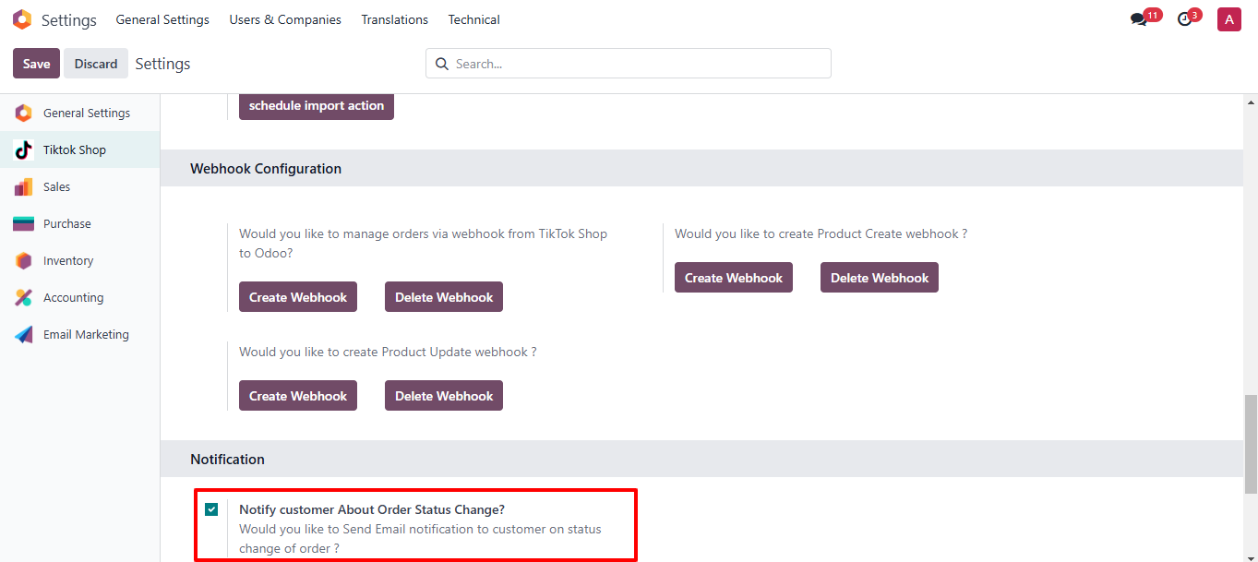
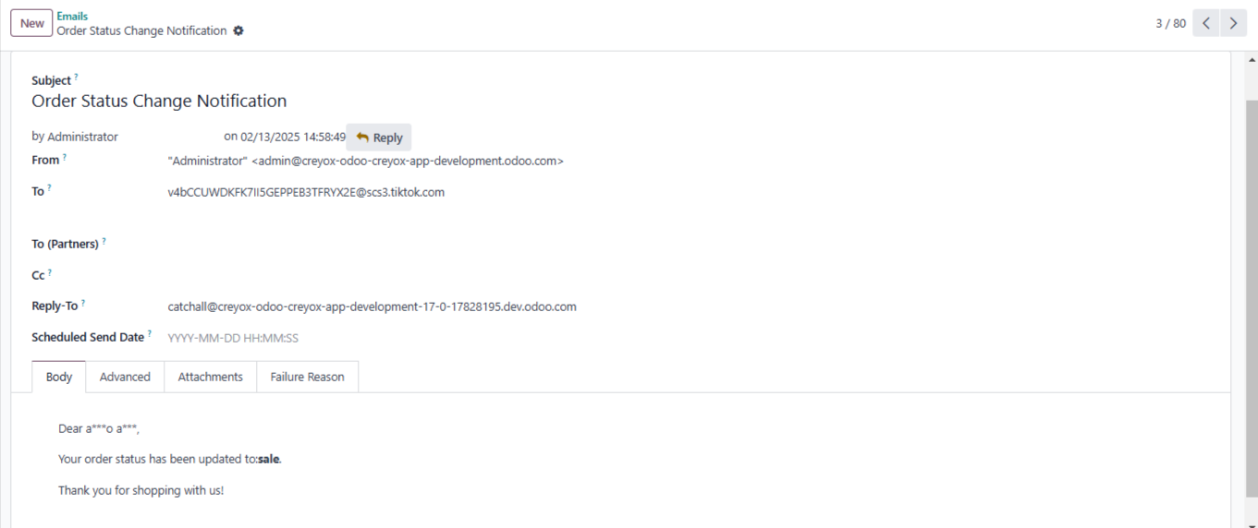
◆ Navigate to Notifications.
◆ If you want to send email to customer on change of order status you can configure it from here.
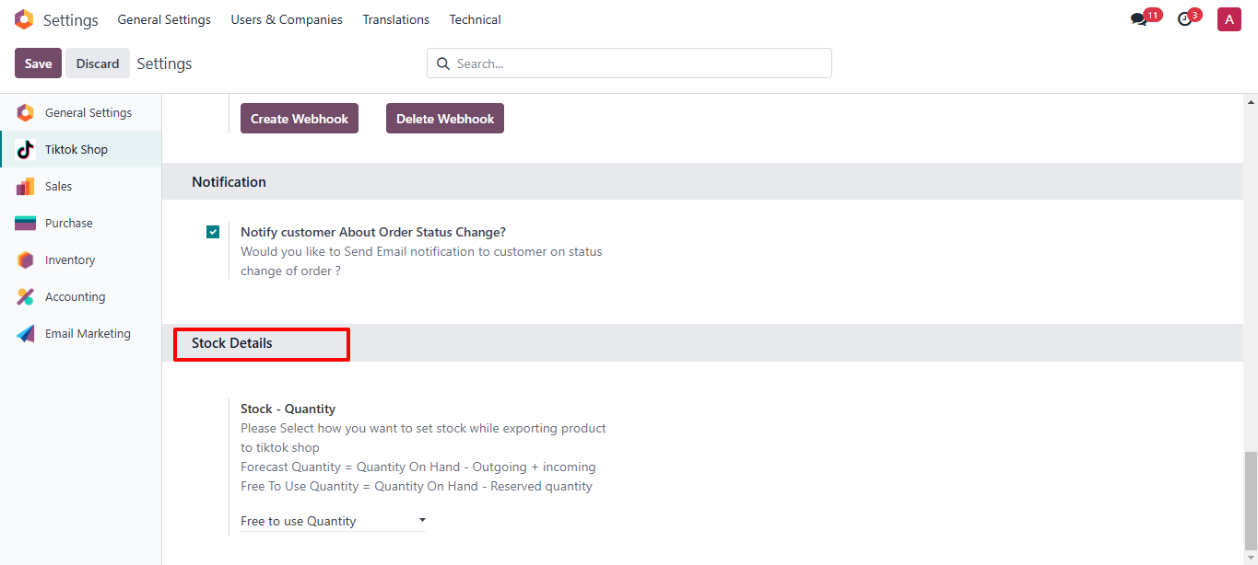
◆ Navigate to Stock Details.
◆ Here you can configure How you want stock to Export to Tiktok shop with products.
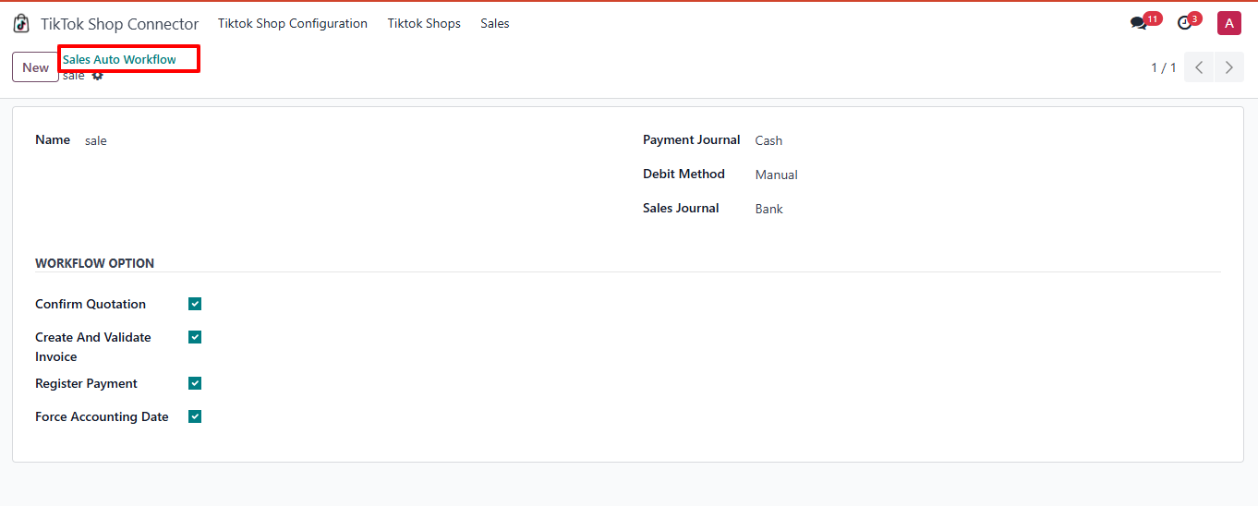
◆ Navigate to Tiktok shop Connector>>Sales >>Sales Auto Workflow.
◆ Here You can configure Auto Workflow for Tiktok Orders
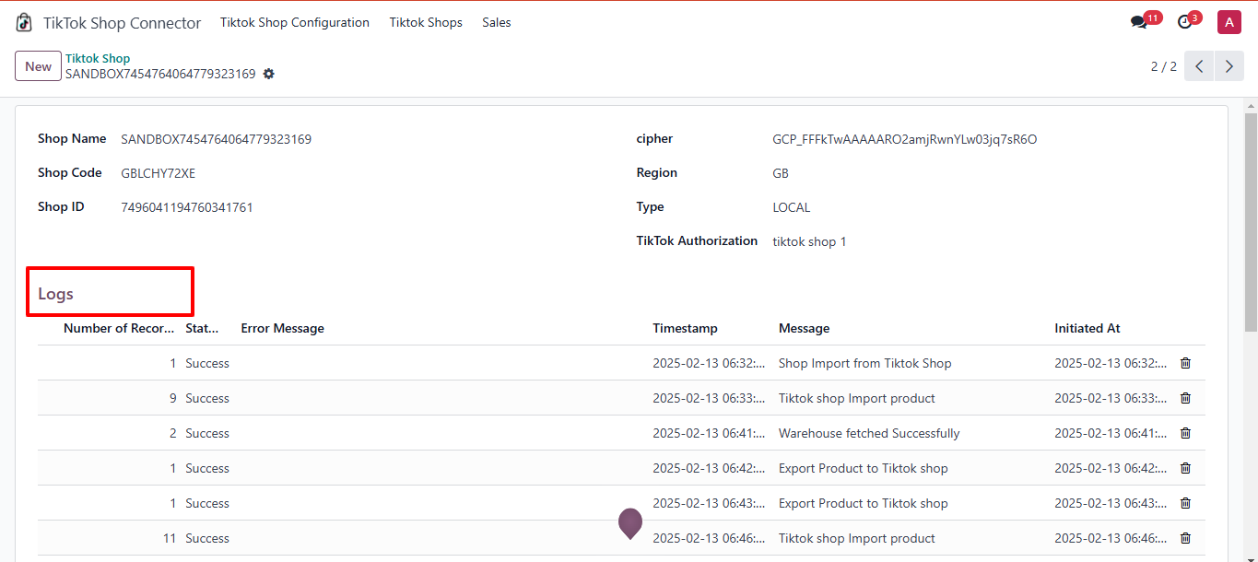
◆ Navigate to Tiktok shop Connector>>Tiktok Shop .
◆ Here You can Find Logs Related to that Shop.